Visualizing Sound: How to Choose the Right Background Mode for Your AI Music
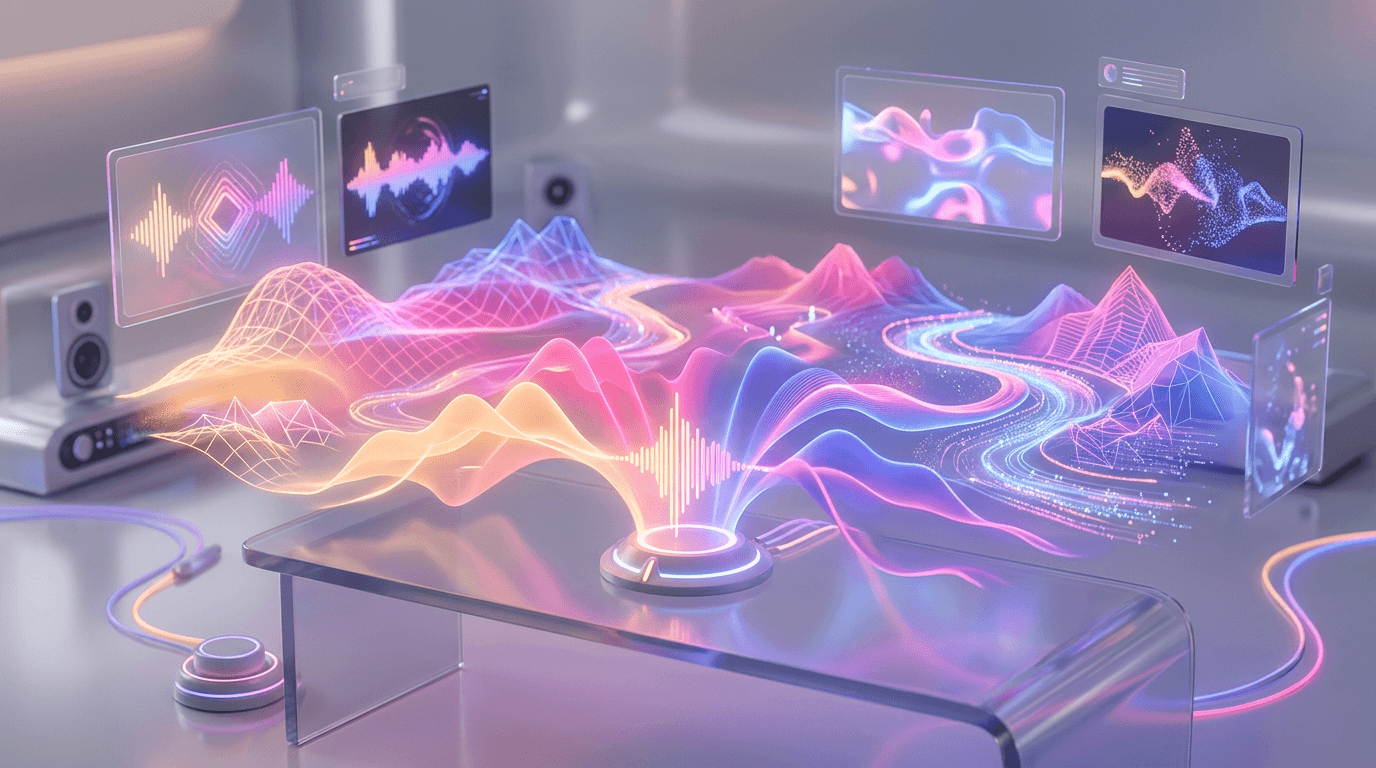
If you are building a music channel on YouTube, you might think the audio is the only thing that matters. But in the visual era of streaming, the "eye" votes just as much as the "ear."
A viewer might click on your video because of the title, but they decide whether to stay based on the visuals. If the background is too chaotic, they leave. If it's too boring, they tab out.
At PlaylistCraft, we don't just slap a random image behind your audio. We offer 5 Visual Modes designed to psychologically match the genre of music you are creating.
Here is how to choose the right background mode to maximize viewer retention.
The Psychology of Visuals in Music
Before we dive into the modes, let's talk about why this matters. Visuals in music videos serve two functions:
- Atmosphere: They set the emotional context. A rainy window creates melancholy; a neon grid creates energy.
- Attention Management: They dictate how much brainpower the viewer spends looking at the screen vs. listening to the sound.
The trick is to align your visual complexity with your audio complexity. High-energy music needs dynamic visuals. Focus music needs a blank canvas.
Mode 1: Single Image (The Minimalist Approach)
Best For: Jazz, Classical, Study Beats, Meditation, White Noise.
Mode 1 utilizes a single, high-resolution static image for the duration of the video.
Why it works:
When people listen to focus or classical music, they are usually trying to concentrate on something else—reading, working, or sleeping. A flashing, moving video is a distraction. It steals cognitive bandwidth.
A beautiful, static aesthetic (like a painting, a landscape, or a minimal texture) acts like a vinyl record cover. It sets the mood politely and then gets out of the way. It creates a "safe space" for the viewer's eyes to rest while they immerse themselves in the complex harmonies of your audio.
Use Case: You generate a 1-hour "Deep Focus Piano" playlist. You choose Mode 1 with an aesthetic image of a dimly lit library. The viewer stays because the screen isn't fighting for their attention.
Mode 2: Looping Video (The Atmosphere Approach)
Best For: Lo-Fi Hip Hop, Ambient, ChillHop, Drone Music.
Mode 2 uses a single, seamlessly looping video background (usually 10-30 seconds long repeated).
Why it works:
Lo-Fi and ambient music is designed to be "vibey." It's often emotional, nostalgic, and relaxing. A static image might be too boring for this genre, but a fast-cut montage is too aggressive.
A slow, looping video (like the famous "girl studying at the window" loop) provides hypnotic motion. It's dynamic enough to be comforting and interesting to glance at, but repetitive enough that it doesn't cause sensory overload. It keeps the viewer "anchored" to the video without demanding active focus.
Mode 5: Mixed Media (The Engagement Approach)
Best For: Pop, Synthwave, EDM, Rock, High-Energy Vocals.
Mode 5 is our premium visual setting. It generates a mix of 5 videos and 10 images (15 assets total) that rotate throughout the playlist.
Why it works:
High-energy music requires visual stimulation. If a viewer is watching an upbeat Synthwave track and the image doesn't change for 5 minutes, they will get bored and click away.
Mode 5 prevents "visual fatigue." By rotating between different clips and images, you re-engage the viewer's brain every time the scene changes. This signals to the algorithm that the viewer is still "active" and watching, which boosts your video's performance in search results.
Technical Breakdown: The Magic of Remotion
Choosing the right mode is an art, but executing it is a science. If you try to do this manually in a standard editor, you run into the "Loop Cut" problem.
If your video loop is 15 seconds, but your song is 3 minutes and 12 seconds long, a standard editor will either cut the loop abruptly or leave a gap of silence at the end. This screams "amateur."
verifiedThe PlaylistCraft Edge
PlaylistCraft uses Remotion to handle this technical heavy lifting. It programmatically calculates the exact duration of your song and ensures transitions and loops are pixel-perfect every time.
This ensures that your video looks as professional as a major label release, regardless of which mode you choose.
Summary
Don't leave your visuals to chance.
- Need Focus? Go with Mode 1.
- Need Vibes? Go with Mode 2.
- Need Energy? Go with Mode 5.
Match the mode to the music, and watch your retention rates grow.
Related Articles
View All

Ready to visualize your sound?

PlaylistCraft Team
Design & UX
Exploring the intersection of generative art, video production, and musical atmosphere.